



Getting Started with VibaCloud
Learn how to create your first timesheet, import calendar events, add manual entries, and submit your timesheet with confidence.
Read moreHelp Centre
Welcome to the VibaCloud Help Centre. Whether you're creating your first timesheet, turning Outlook or Google Calendar events into time entries, entering your hours by hand, or picking up tips for tracking billable time, you'll find clear, beginner-friendly guides and tutorials here.
Learn how to create your first timesheet, import calendar events, add manual entries, and submit your timesheet with confidence.
Read more
Discover how VibaCloud can turn your Google Calendar or Outlook Calendar events into timesheet entries, helping you save time and reduce manual data entry.
Read more
No calendar to connect? Build a timesheet entirely by hand. Add your own lines, pick a project, and enter your hours, with no Outlook or Google account needed.
Read more
Understand the essentials of accurate timesheet completion, including recording hours worked, billable time, and common mistakes to avoid.
Read more
Explore how timesheets can help freelancers and contractors track work accurately, improve invoicing, demonstrate productivity, and maintain professional records.
Read more
Total your billable hours and value across weeks, filter by client, export to Excel, and generate a professional PDF invoice with VAT.
Read more
Members submit, admins approve or send back with a comment, and approved time flows through to team reports, the export and your invoices.
Read more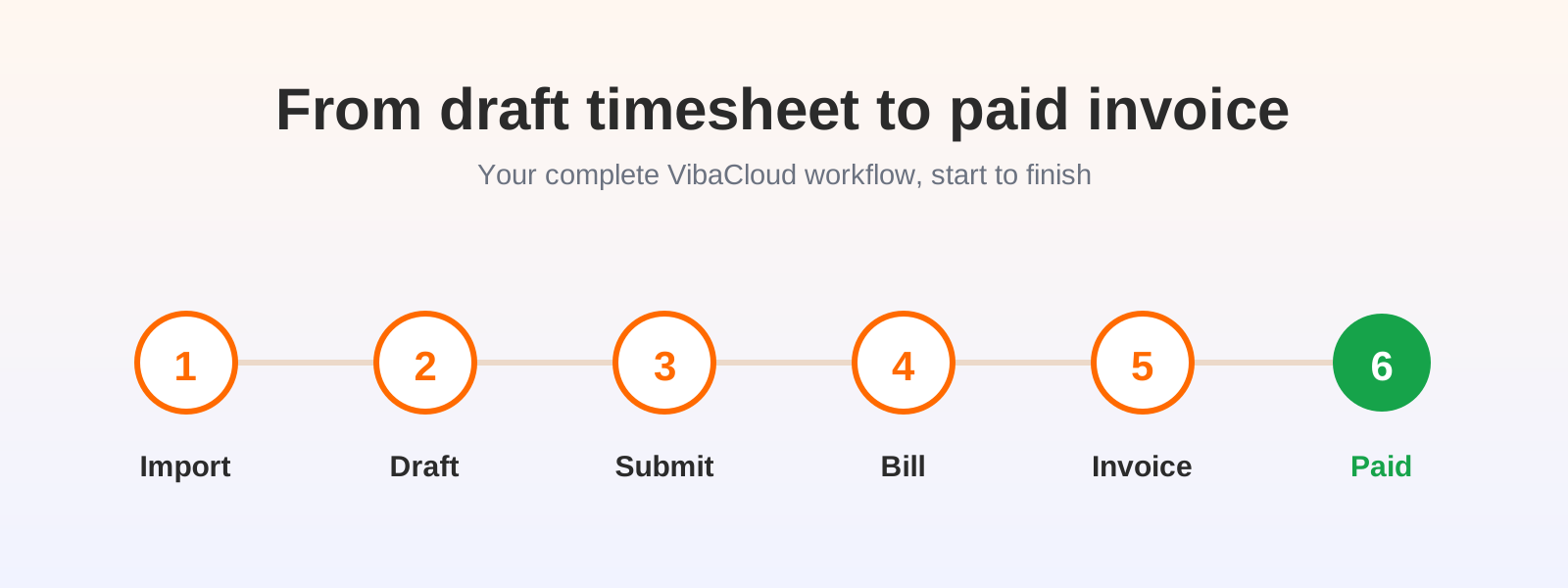
The whole journey for beginners, in six steps: import, draft, submit, bill, invoice and get paid, with a diagram for each stage.
Read more
The invoice page explained in plain English: the statuses, the buttons, the client's billing email, and how automatic payment reminders chase for you.
Read more
1.75 hours is one hour and 45 minutes, not seventy-five. Why timesheets count in decimal, the mistakes it causes, and how to switch to hours and minutes.
Read more